载入中...
搜索中...
未找到
Miyoo Mini
本指南尚未翻译。
A handheld console that runs Linux. Your game becomes an app in its Apps menu.
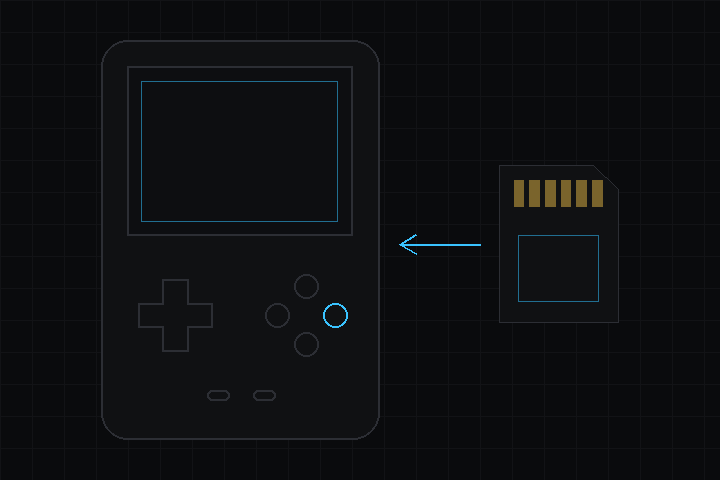
Miyoo Mini
规格
| 项目 | 详情 |
|---|---|
| 处理器 | Cortex-A7 |
| 内存 | 80 MB |
| 屏幕 | 320 x 240, 2.8 in |
| 颜色格式 | ARGB8888 |
使用这块设备
- 在 包管理器 中安装 deki-miyoo-boards。
- In the 构建面板, choose Miyoo Mini.
- 按 **构建并安装**。
What is set up for you
Display and buttons.
Not set up yet: sound, battery reading, brightness and rumble.
Putting a game on it
The Build panel lists what a Miyoo build needs. Install there downloads the compiler; CMake, Ninja and GCC 16 for your computer you install yourself.
Put the Miyoo's SD card in a card reader. The list of targets shows the drive, and Install copies the game to App/ on it. Eject the card before taking it out, then find the game in the Apps menu.
It works with the stock firmware's menu and with Onion OS. It has been tested on Onion; nobody has run a game on the stock firmware yet.
Buttons
| On the Miyoo | In your game |
|---|---|
| D-pad | Arrow keys |
| A, Start | Enter |
| B | Esc |
| X | Space |
| Y | Tab |
| Select | Backspace |
| L1, R1 | Q, E |
| L2, R2 | Z, C |
| Menu | Quits to the Miyoo's menu |
Good to know
- A game can use about 80 MB. Deki checks a 3D model against that when the game is built, and says which one does not fit.
- The game draws at 320 x 240 and is scaled 2x onto the 640 x 480 panel.